
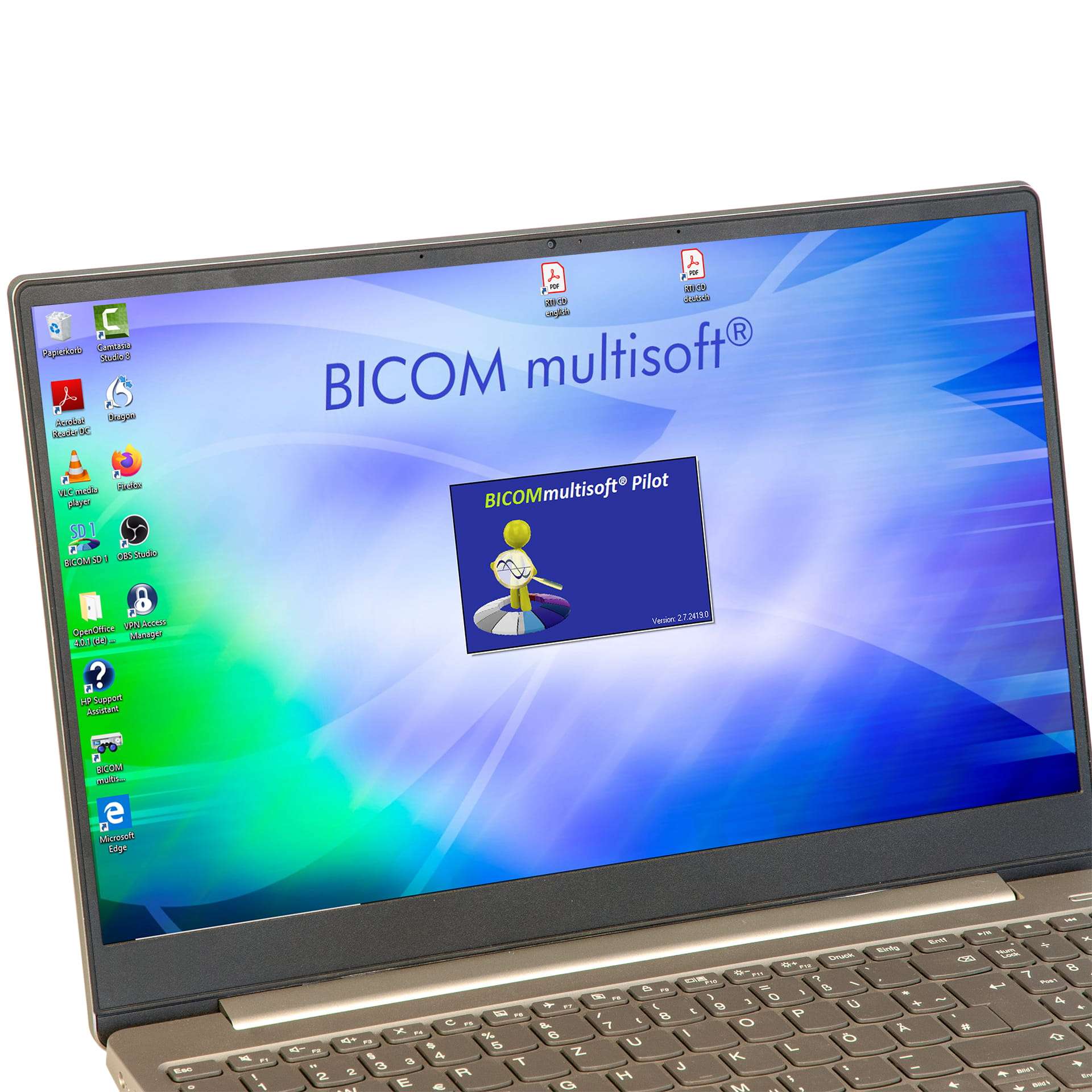
BICOM® multisoft pilot 2.10
£1,031.00 ex. VAT
BICOMmultisoft® Pilot: Windows software that drives a BICOM® device from a computer, licensed by a red USB dongle. Builds and saves program sequences on channel 1 and channel 2, keeps master data files with tests and sessions recorded against them, and runs the digital CTT® test kits. Optional EAP test module. Compatible with BICOM® devices from Optima 2009 onwards. Windows 10 and 11, four free USB ports, 24 bit sound card. Network installation supported over wired LAN.
What it does
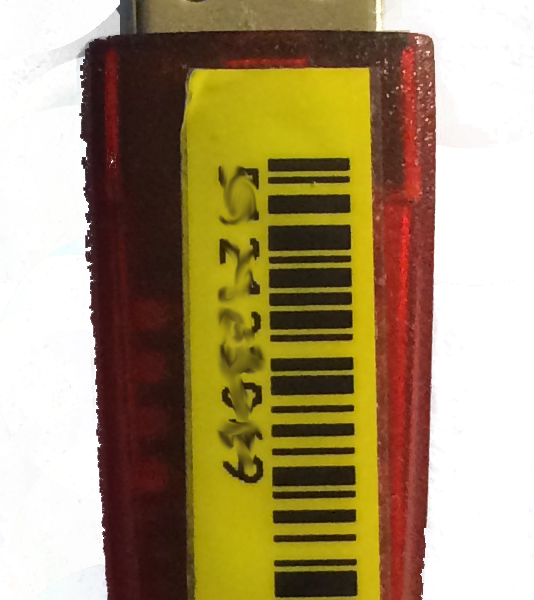
BICOMmultisoft® Pilot is Windows software that drives a BICOM® device from a computer. Instead of setting programs at the device itself, sequences are built on screen, saved, reused and recorded against a file. The software is licensed by a red USB dongle, which must stay in the machine while the program is running.
Working with programs
- Build and run program sequences on channel 1, with search, quick selection and individual adjustment of any program
- Assign substance complexes and extended sequences on channel 2, with simplified selection for the input cup
- Save and reload lists, so a sequence used regularly does not have to be rebuilt
- Create your own categories, or specialist fields, and save your own programs and sequences under them
- Transfer your own programs and sequences between installations
- Potentiation programs and single substance complexes on BICOM optima®
CTT® digital
The CTT menu holds the digital versions of the Combined Test Technique kits. Kits are bought separately, exactly as the physical kits are, and arrive either as a dongle carrying the licences or as a licence code for a dongle already held. Licensed kits show as yellow symbols, the newer digitised tableaus as blue. Kits that have not been licensed still open in demonstration mode, so every function can be tried before buying, though nothing is sent to the BICOM® device. Hovering over an ampoule brings up an information field explaining it.
Substance information is replayed through the computer’s sound card, so CTT digital also needs the safety adapter signal cable and a level measurement before first use.
Testing functions
- Test substances individually, through the input cup on channel 1, through the honeycomb on channel 2, or both together
- Automatic testing
- Build Favorites kits from substances drawn across several kits
- Preselect test programs, allocate alternative names, and use the digitiser
- An advanced mode with extended program selection
EAP test module, optional
A separately enabled module with six views: carrying out the test with the point shown as an image and the pressure curve as a graph, a list with comparison against earlier values, a bar graph, pie graphs for left against right and before against after, and a quadrant graph.
BICOMmini
A compact window that floats in the foreground showing the program currently running, with start and pause, a progress bar, the total time for channel 1 and the remaining time on both channels. The lower segment display can be collapsed.
Records, backup and networks
- Master data files, with tests and sessions documented against each one
- Backup to an external drive, restore, and database compression, all from the Extras menu
- Interface language switchable, taking effect at the next restart
- Installs across several computers sharing one database. Regumed require a wired LAN connection of at least 30 Mbit for this, not wireless
- BICOMmultisoft® Pilot Viewer, a separate Regumed program, can monitor several BICOM® devices driven by Pilot across a network
System requirements
- Operating system: Windows 10 or Windows 11. Not compatible with Chrome Book or Windows on Arm
- Screen: 1920 x 1080. 4K and Ultra HD are not supported
- Processor: 2 GHz minimum
- Memory: 4 GB minimum, 8 GB preferred
- Disk: 30 GB free
- Sound card: 24 bit, 48 kHz, with a speaker output
- Ports: four free USB ports
Laptops with a single four-pin combined headphone and microphone port need an adapter or an external USB sound card, which is not included. Regumed also ask that only their own cables are used.
Compatibility and connection
Compatible with BICOM® devices from Optima 2009 onwards. BICOM optima® and BICOM optima® mobil connect to the computer by USB cable. Adding CTT digital needs the safety adapter signal cable, with the audio lead into the computer’s audio output.
| Weight | 0.05 kg |
|---|
Be the first to review “BICOM® multisoft pilot 2.10”
You must be logged in to post a review.
Related products
Software
Software
Software
Reviews
There are no reviews yet.